· 2 min read
Streamlining xcodebuild for AI-assisted development
xcodebuild's output is verbose, and test failures don't include why they failed. A pair of wrapper scripts can fix this.
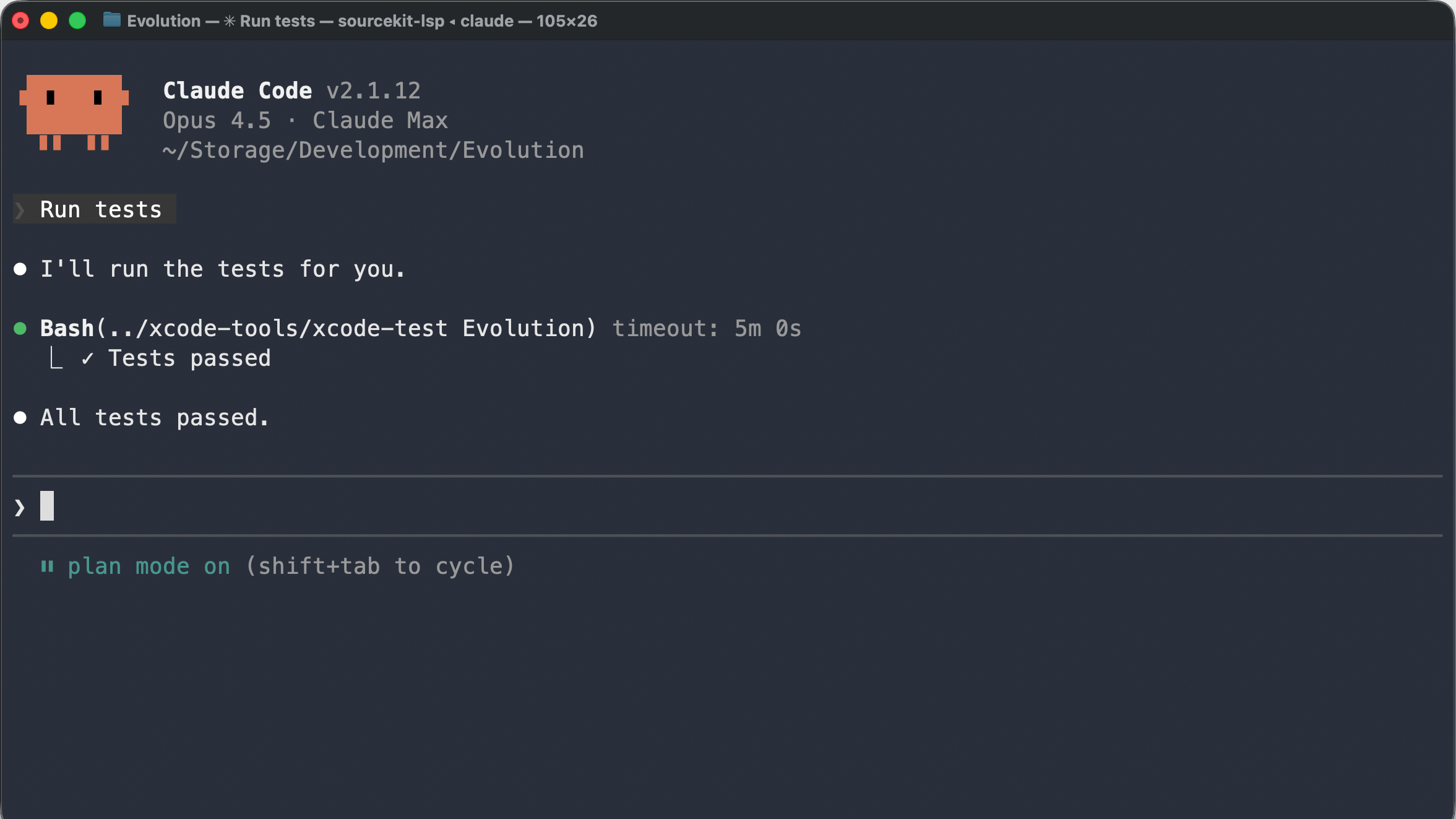
AI agents can run commands including building and testing Xcode projects. But xcodebuild’s default output isn’t ideal for this.
The problem with xcodebuild output
The -quiet flag suppresses much of the verbosity, but not all. When there’s a build error, the output still includes build metadata and full compiler invocations, when often the error message alone is enough.
For tests, it’s worse. Even with -quiet, xcodebuild prints every test case name even when they pass, plus messages like “Testing started” and “Test suite finished.” And when a test fails, xcodebuild reports which test failed, but not why. The actual failure message is buried in the result bundle.
Most of the time, we just need to know whether the build and tests succeeded, and if not, what went wrong.
Extracting what matters
I wrote two shell scripts. xcode-build runs xcodebuild build, then prints a single success message or extracts just the error messages from the output.
xcode-test does the same for xcodebuild test, but also solves the missing failure message problem. When tests fail, it uses xcresulttool to extract the actual failure reasons from the result bundle.
Both scripts print warnings after errors, so nothing important gets lost.
Handling compiler crashes
After using these scripts for a while, I hit a strange issue: sometimes a build would fail but no error messages would appear.
This happened when the Swift compiler crashed instead of producing a normal error (Command SwiftCompile failed with a nonzero exit code). The script detects this and rebuilds the project with SWIFT_COMPILATION_MODE=wholemodule. Whole-module compilation processes all source files together in a single pass, which can work around these crashes that happen in incremental mode. If the second build produces errors, those get reported.
Conclusion
Now when a build fails, the AI sees exactly what went wrong. Nothing more, nothing less.
I’ve published these scripts as xcode-tools.